













Купить Voice2Action в Steam
Бесплатная игра в Steam для региона Россия
Выход: 27 авг. 2026 г.
Разработчик: The Big Studio
Издатель: The Big Studio
Control your games with your voice. Voice2Action turns spoken commands into keyboard shortcuts, letting you trigger actions, combos, and macros hands-free.
Скриншоты
Об игре
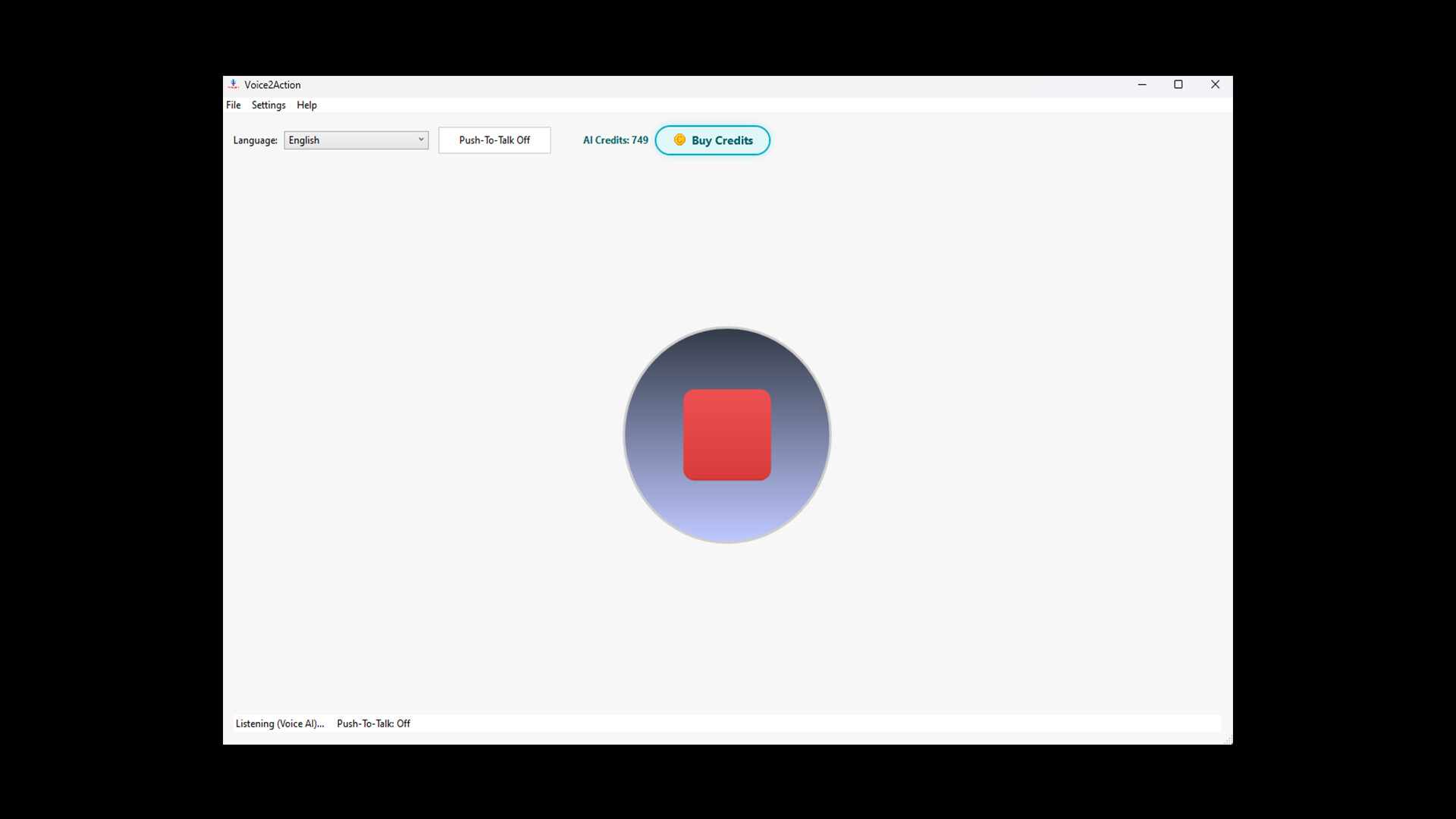
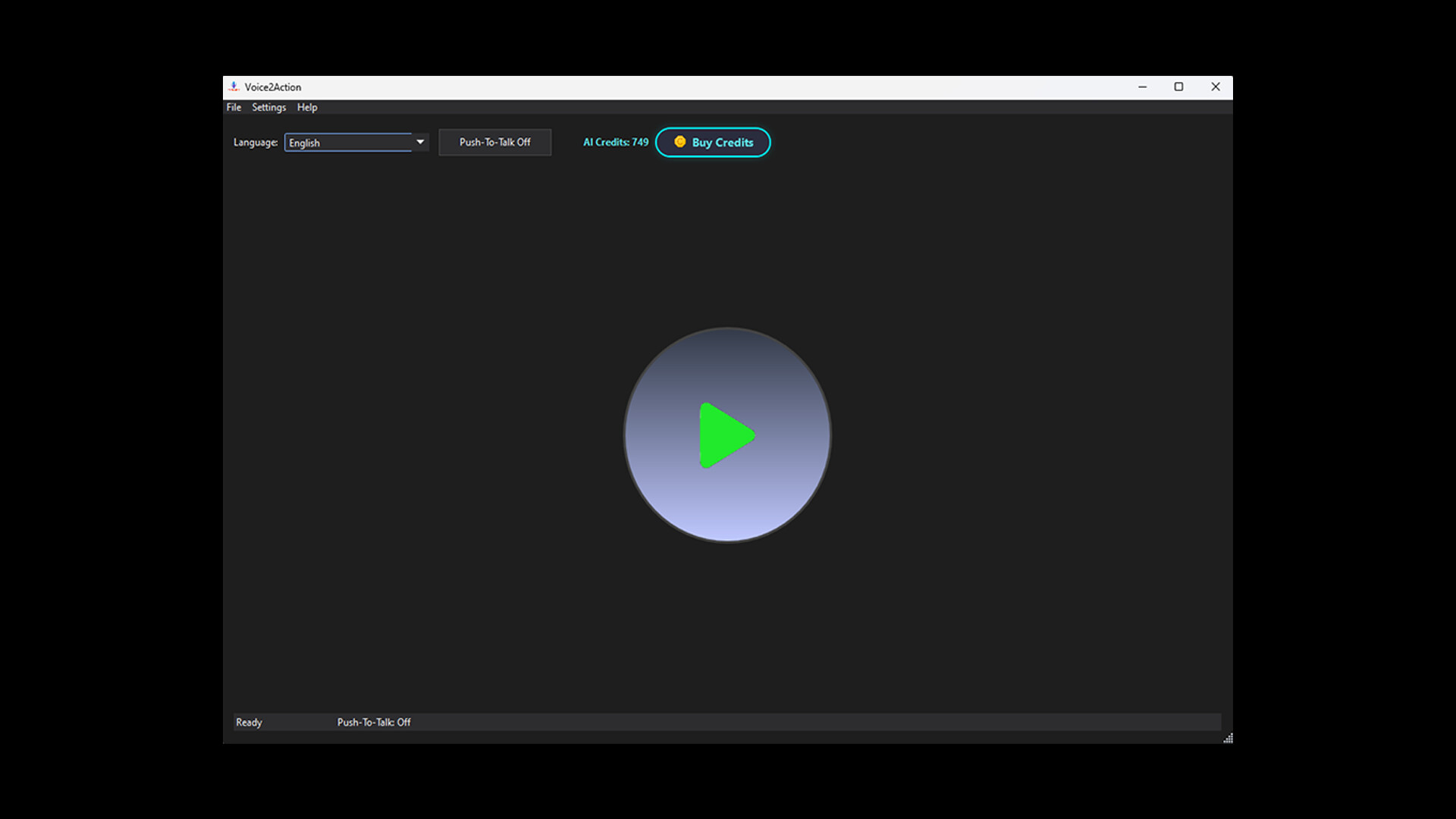
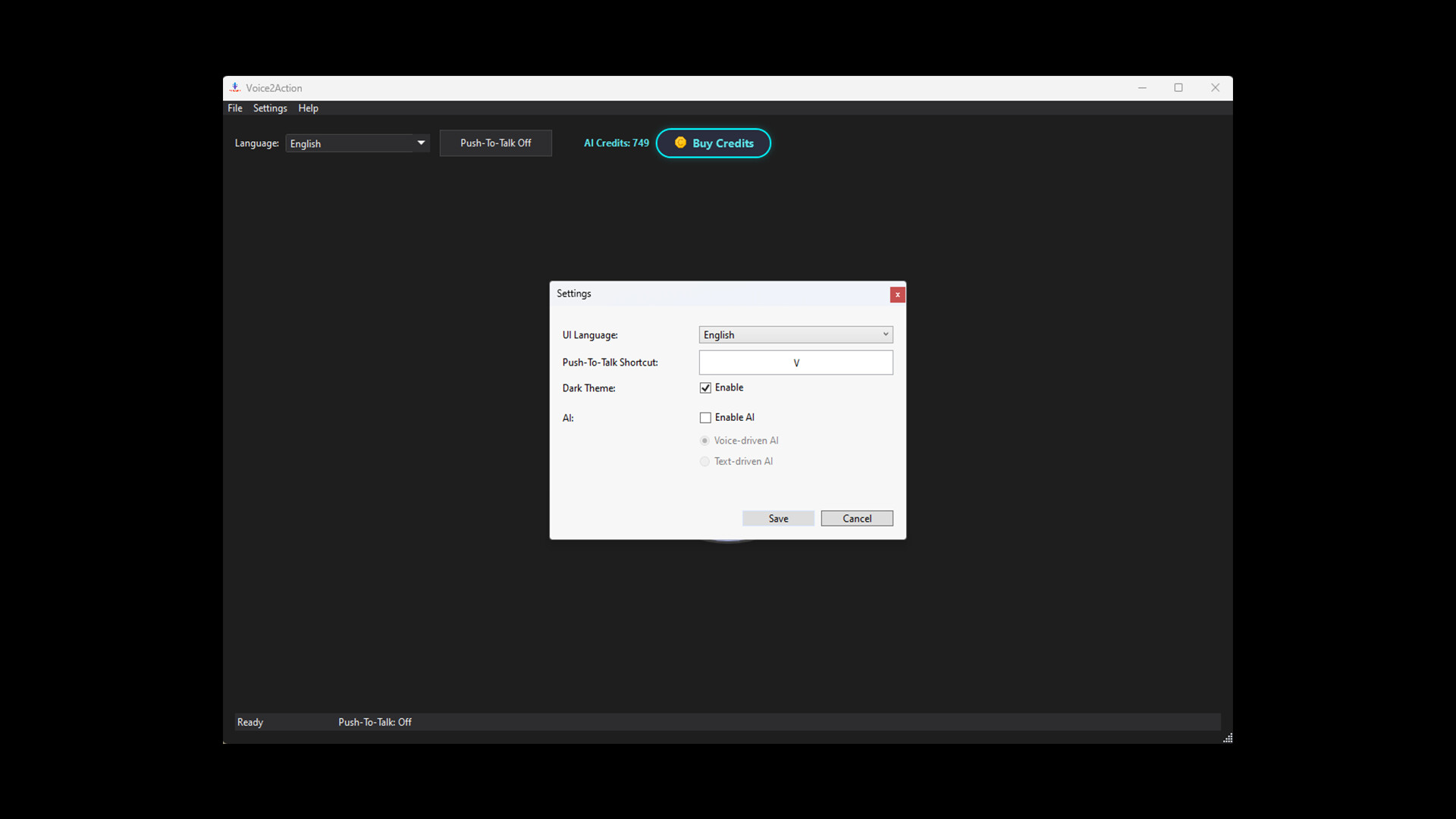
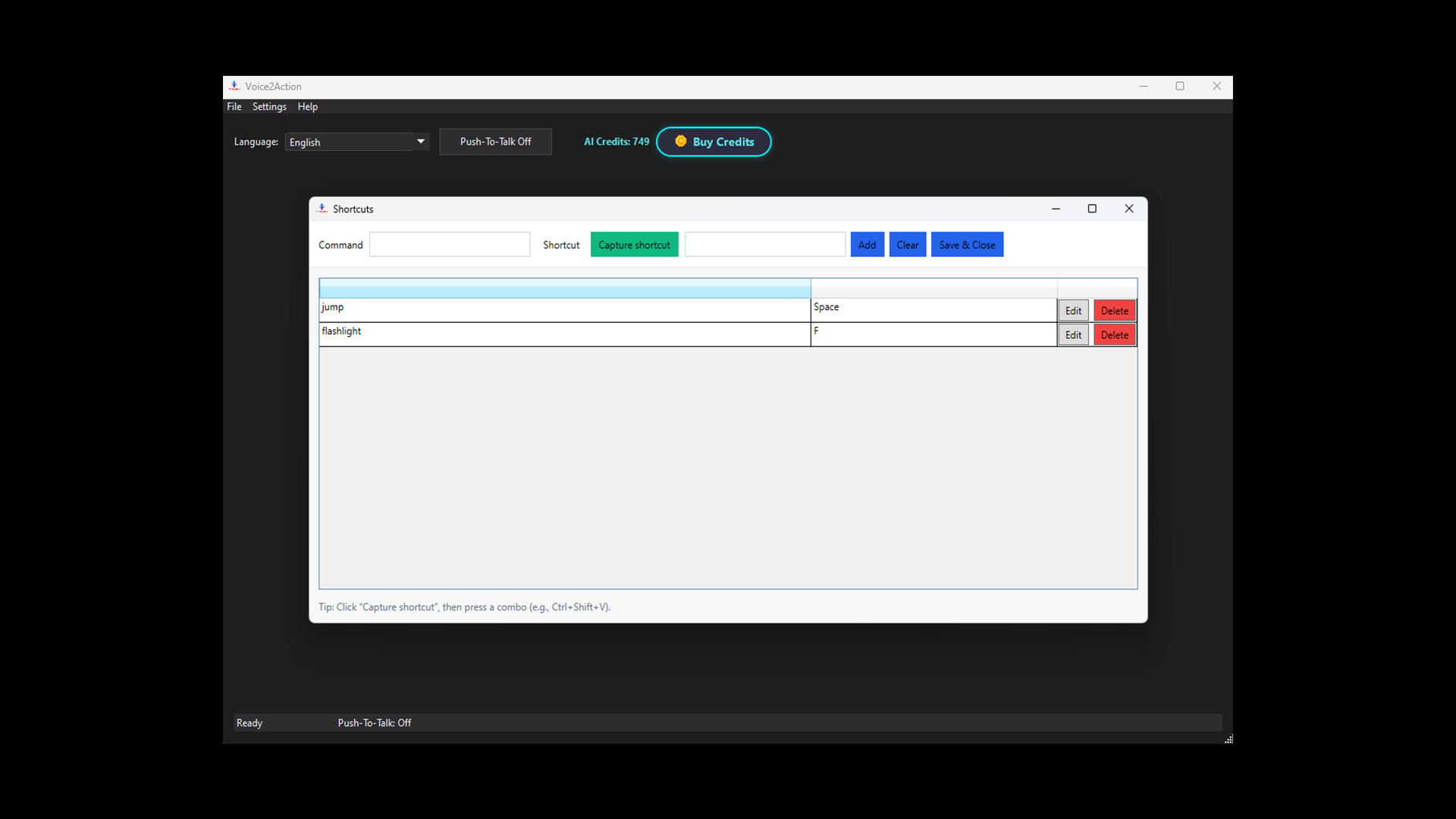
Voice2Action is a voice-powered control tool designed for gamers who want to play smarter, faster, and hands-free. With Voice2Action, your spoken words become real in-game actions. Whether you want to trigger abilities, execute combos, or manage complex shortcuts, everything can be done with a simple voice command. Key Features Map voice commands to any keyboard shortcut. Create custom macros for complex actions. Switch weapons, open menus, or execute skills without lifting a finger. Adjustable recognition sensitivity for different environments. Works offline with built-in speech recognition, or online with AI-enhanced accuracy. (AI mode requires an active internet connection.) Perfect for accessibility: allow more people to enjoy games through voice input. Voice2Action gives players a new way to interact with their favorite titles—making gaming more immersive, responsive, and inclusive. How To Use? Voice2Action uses the microphone defined in Windows, so a microphone is required. If a microphone is available and you don’t want to use AI mode, you can simply press Start to begin listening. Before that, you should add new shortcuts from Settings → Shortcuts . Enter the word or phrase you want to say. Click on Capture Shortcut and press either a single key or a combination of keys. Then click Add and finally Save & Close . After that, you can press Start and your shortcut will be active. Currently, hold-to-press functionality is not available , but it will be added later. From Settings → General , you can also set your Push-To-Talk key. In the main window, you can choose the language you want to speak in, and you can toggle Push-To-Talk on or off. Finally, if you encounter any bugs or issues, please report them to us.
Системные требования
Windows (мин.)
Минимальные: 64-разрядные процессор и операционная система ОС: Windows 10 Процессор: Intel Core i3 or equivalent Оперативная память: 4 GB ОЗУ Видеокарта: Integrated graphics (Intel HD or equivalent) Место на диске: 1 GB Звуковая карта: Microphone required
Windows (реком.)
Рекомендованные: 64-разрядные процессор и операционная система
macOS
Минимальные:
Linux
Минимальные:
Внутриигровые покупки